

Rated 4.7 | based on 1K+ reviews
Stop Ranking Decay. Automate Your SEO Recovery
WordPattern monitors your Google Search Console to detect traffic drops in real-time. It automatically identifies outdated sections and generates AI-powered refreshes to reclaim your #1 spots.
Seamless Integration with Your Favorite Tools






Features & Benefits
Stop the Bleed. Protect Your Rankings
Most content teams focus on what’s new while their legacy assets quietly lose traffic. WordPattern acts as your 24/7 SEO sentry, identifying ranking erosion early and deploying surgical AI refreshes to keep you at #1

GSC Integration
Seamlessly connect your Google Search Console to monitor thousands of articles simultaneously.

Decay Detection
Our algorithms identify “patterns of decline”—like losing 2 spots a week—before they become traffic disasters.

Paragraph-Level Analysis
We don’t just rewrite; we pinpoint the specific outdated paragraphs that are dragging your rankings down.

Entity Optimization
AI-driven “Word Pattern” suggestions to add missing keywords and semantic entities Google is currently rewarding.

Automated Refreshes
One-click AI drafting that blends perfectly with your brand voice to make updates effortless.

Enterprise Scaling
Built for medium-to-large content sites managing high volumes of legacy articles.
Featured Sections
We Don’t Just Offer Software — We Offer Solutions
Manual audits take weeks and miss the subtle signs of content decay. WordPattern connects directly to your Search Console data to flag pages the moment they lose momentum – giving you the “first-mover” advantage to update before your competitors outrank you.

Analytics & Reporting
Intelligent Insights at Your Fingertips
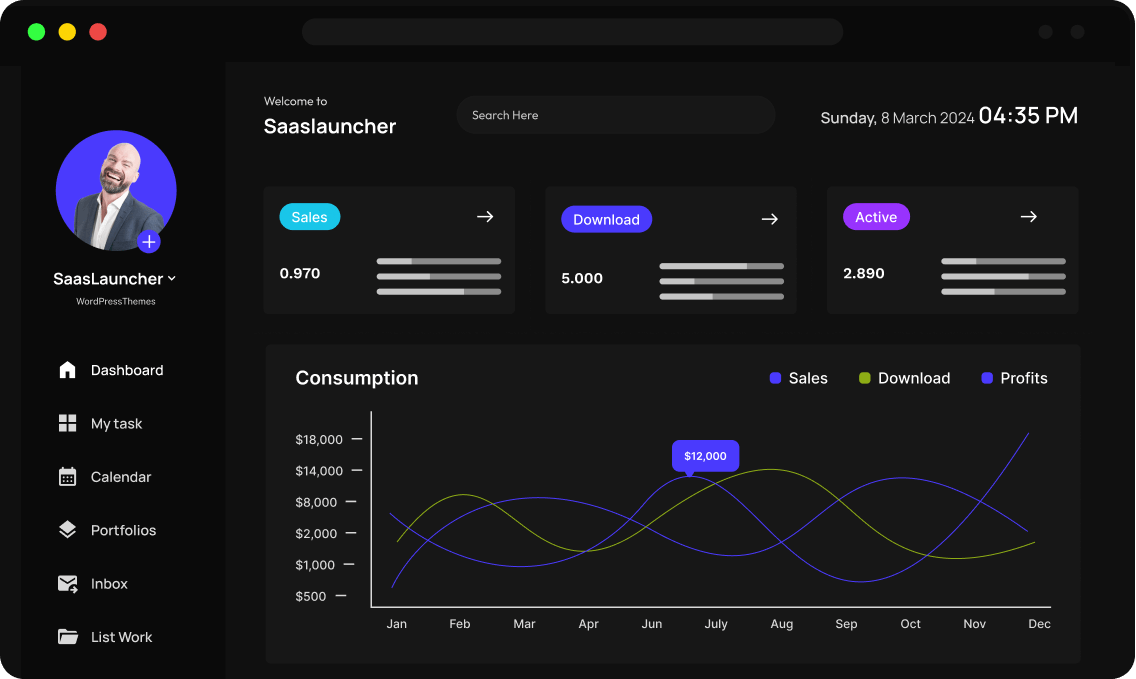
Stop guessing which articles to update. Our dashboard highlights exactly which pages are bleeding traffic and why, giving you a surgical SEO roadmap every morning.
Growth & Scaling
Advanced Reliability & Accuracy
Using advanced LLMs tuned for SEO, WordPattern identifies semantic gaps in your content compared to current top-ranking competitors.


AI Automation
Transform Your Workflow with Automation
Turn a month-long content audit into a 10-minute task. Free your editorial team from manual updates and let them focus on creating new, high-impact pillars.
Testimonials & Reviews
Hear From Our Happy Clients: Their Stories
From traffic recovery to workflow automation, see the impact of proactive decay detection. Trusted by the teams responsible for the internet’s most authoritative content.

Emily R.
Marketing Lead

WordPattern saved us 40+ hours a month in manual GSC audits. Our legacy traffic is finally trending up again

Mark T
Startup Founder
Managing over 500 articles used to be a nightmare of manual spreadsheets and constant GSC checks. WordPattern’s automated alerts mean we finally have a proactive system that catches ranking drops before they impact our goals.

Elena Rockford
Director of Editorial
We were terrified of AI rewriting our best-performing pages and ruining our brand voice. WordPattern’s surgical approach, only updating the paragraphs that actually show decay is the most responsible use of AI I’ve seen in the SEO space

Jason M
Product Manager
The ‘Pattern of Decay’ alerts are a game changer. We caught a drop on our highest-value page within 48 hours

Lena K
Senior SEO Strategist
Most AI tools just rewrite text for the sake of it, but WordPattern identifies the exact semantic gaps. The paragraph-level refresh feature has boosted our top-of-funnel conversion rate by nearly 15%

Aliana Lorel
Operations Lead
The bottleneck for our growth was always the manual audit phase of content refreshes. By automating the ‘Pattern of Decay’ identification, my team now spends their time reviewing high-quality AI drafts instead of digging through GSC exports.

Sara D
Freelancer
Finally, an AI tool that actually understands SEO maintenance instead of just generating more noise

David V
Founder
Our clients aren’t just looking for new content anymore; they want to protect their existing traffic assets. WordPattern allows us to deliver high-impact content refreshes at a fraction of the manual labor cost.

Peter Brandson
Growth Marketing Manager
We saw a 22% recovery in lost organic traffic within the first 60 days of implementing WordPattern. It effectively pays for itself by reclaiming revenue from top-tier keywords that we didn’t even realize were slipping.
Frequently Asked Questions
Got Questions? We’ve Got Answers.
Everything you need to know about the Content Decay Agent. From GSC security to our AI refresh logic, we’ve answered the most common questions from content teams who are ready to stop the bleed and reclaim their traffic
How does WordPattern detect decay?
We analyze 90 days of GSC data to find consistent downward trends that human eyes often miss in large datasets.
Does it automatically publish to my CMS?
We provide the “Refreshed” draft and entity suggestions which you can approve and push via our WordPress/Shopify integrations or manual export.
Is the AI writing safe for SEO?
Yes. We focus on “Word Patterns”—adding missing entities and updating facts—rather than mass-producing generic text.
Will using AI-refreshed content risk my site being penalized by Google?
A: No. Google’s current guidance clarifies that they reward high-quality, people-first content regardless of how it is produced. WordPattern does not “spam” keywords; it uses AI surgically to update outdated facts and add the specific semantic “Word Patterns” (entities) that Google is already rewarding in current top-ranking results. Our “Human-in-the-Loop” approach ensures every refresh meets E-E-A-T standards before you ever push it live.
How secure is my Google Search Console (GSC) data?
Your data security is our priority. WordPattern uses official Google APIs to pull read-only performance data, meaning we can never change your site settings or delete your properties. We only analyze your clicks, impressions, and ranking trends to identify “Patterns of Decay”.

Try It Free. Scale When You’re Ready.
Join the content teams reclaiming their #1 rankings with WordPattern.